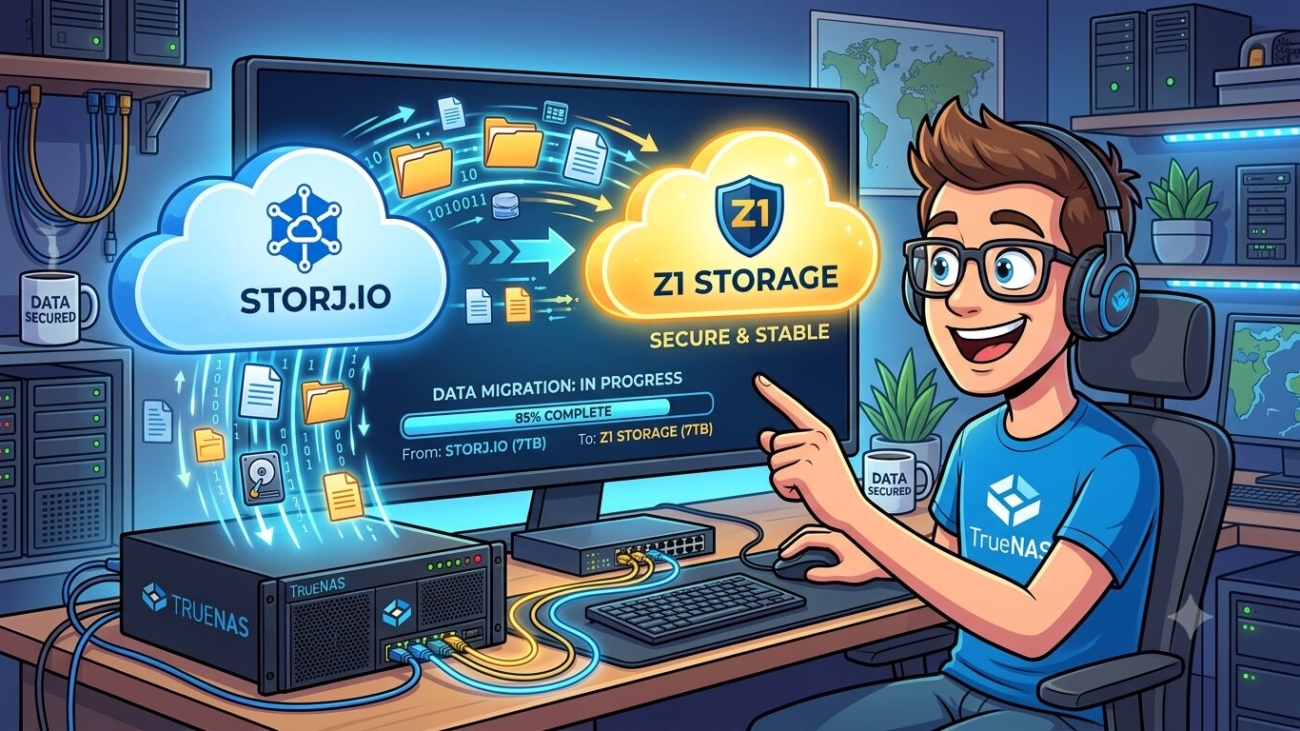
Migrating from Storj.io to Z1 Storage on TrueNAS SCALE
Here’s the updated post with that corrected throughout:
Ditching Storj: How I Moved My TrueNAS Backups to a Local SA Alternative for a Fraction of the Price
If you’ve been using Storj for cloud backups, you’ve probably received the email by now. From 1 July 2026, Storj is introducing a $50 per month minimum fee — regardless of how much storage you actually use. For homelab users and small self-hosters backing up less than 7TB, that’s a significant and unwelcome change.
This post covers how I migrated my TrueNAS SCALE backup setup away from Storj to Z1 Storage, a South African S3-compatible object storage provider — and why it ended up being a better fit than the more commonly recommended Backblaze B2.
What Changed with Storj
Storj’s new pricing structure, effective 1 July 2026, introduces two tiers (Standard at $7/TB and Advanced at $10/TB) and eliminates the old segment fees. On paper that sounds reasonable — but the $50/month minimum is the dealbreaker for most homelab users. If your backup footprint is under 7TB, you’re paying more than your actual usage warrants, with no credit for the difference.
Accounts that don’t opt in before the deadline will be frozen and data deleted within 45 days, so this isn’t something you can ignore.
Why Not Backblaze B2?
Backblaze B2 is the most commonly recommended Storj alternative — no minimum fee, $6/TB/month, and free egress via the Cloudflare Bandwidth Alliance. For many users it’s the right choice.
However, Backblaze only operates datacenters in the US and EU. If you’re based in South Africa, you’re routing every backup upload across an international link. For small incremental backups that’s probably fine, but when a local alternative exists at a similar price point, it’s worth considering.
Enter Z1 Storage
Z1 Storage is a South African S3-compatible object storage provider with datacenters in Johannesburg and Cape Town. It’s priced at R0.30/GB per month (roughly R300/TB), includes free ingress, and egress equal to your stored data per month at no charge. There’s no minimum monthly fee.
It’s fully S3-compatible — meaning rclone, TrueNAS Cloud Sync tasks, BackWPup, and virtually any other S3-aware tool works with it out of the box. For a sub-1TB backup footprint you’re looking at well under R200/month, billed in Rands with no USD/ZAR exchange rate exposure.
The Migration: TrueNAS SCALE
My setup consisted of several TrueCloud Backup Tasks (Storj’s Restic-based integration) and one Cloud Sync task. The key thing to understand is that TrueCloud Backup Tasks are Storj-specific — you can’t simply swap the credential to Z1 Storage. They need to be replaced with standard Cloud Sync tasks.
Step 1: Add Z1 as a Cloud Credential
Go to Credentials → Backup Credentials → Cloud Credentials → Add and fill in:
- Provider: Amazon S3
- Endpoint URL:
https://s3.z1storage.com - Access Key ID: your Z1 Storage access key
- Secret Access Key: your Z1 Storage secret key
- Region: leave blank, check Disable Endpoint Region
Click Verify Credential before saving. The endpoint needs the full https:// prefix — s3.z1storage.com alone or with :443 appended will throw a validation error.
Step 2: Disable Old TrueCloud Tasks
Toggle off all existing TrueCloud Backup Tasks in Data Protection. Don’t delete them yet — keep them until Z1 Storage is confirmed working.
Step 3: Create Your Buckets
I created a dedicated bucket in Z1 Storage for each dataset I was backing up, rather than using subfolders inside a single bucket. This keeps things clean and makes it easy to see per-dataset usage at a glance in the Z1 Storage console. For example:
personal-storage→ one bucketimmich-library→ one bucketaudiobookshelf→ one bucket- Each WordPress site → its own bucket
It’s a personal preference — one bucket with subfolders works just as well technically — but separate buckets make storage reporting and cleanup much more straightforward.
Step 4: Create Cloud Sync Tasks
For each dataset, create a new Cloud Sync Task under Data Protection with:
- Direction: PUSH
- Transfer Mode: SYNC
- Credential: Z1 Storage
- Bucket: the dedicated bucket for that dataset
- Folder:
/(root of the bucket)
Under Advanced Options, set Transfers to High Bandwidth (16) and ensure Use –fast-list is ticked. This significantly improves throughput on datasets with large numbers of small files — particularly relevant for photo libraries.
Step 5: Run and Verify
Run each task manually first and verify in the Z1 Storage File Explorer that files are landing in the correct buckets. The initial upload will take longer than subsequent runs — after that, only new or changed files are transferred.
One gotcha: Z1 Storage occasionally returns a 502 Bad Gateway during the final cleanup phase of a sync, even after all files have transferred successfully. If this happens, simply rerun the task — it completes the verification pass quickly and exits cleanly.
WordPress Backups with BackWPup
For WordPress sites, BackWPup (free) supports S3-compatible storage natively. I created a dedicated Z1 Storage bucket per WordPress site, keeping each site’s backups completely isolated. In your job’s To: S3 Service tab, configure it as follows:
- S3 Service: Custom
- S3 Server URL:
https://s3.z1storage.com - Region:
us-east-1(dummy value — Z1 Storage doesn’t require it but the field can’t be left blank) - Signature: v4
- Access Key / Secret Key: your Z1 Storage credentials
- S3 Bucket: the dedicated bucket for that WordPress site
- Max backups to retain: 14–15
Hit Save & Test Connection and you’re done.
Cost Comparison
| Provider | Price | Minimum Fee | Location |
|---|---|---|---|
| Storj | $7/TB | $50/month | Global |
| Backblaze B2 | $6/TB | None | US / EU |
| Z1 Storage | R0.30/GB | None | South Africa |
For a ~500GB backup footprint, Z1 Storage works out to approximately R150/month — no surprises, no minimums, billed locally.
Final Thoughts
The Storj pricing change is a real problem for anyone running sub-7TB homelab backups. If you’re in South Africa, Z1 Storage is worth serious consideration — local latency, Rand-denominated billing, full S3 compatibility, and no minimum fee make it a compelling fit for exactly this use case.
The migration from TrueCloud to Cloud Sync tasks takes an hour or two, and the initial upload is the only slow part. Once that’s done, incremental daily backups are fast and cheap.