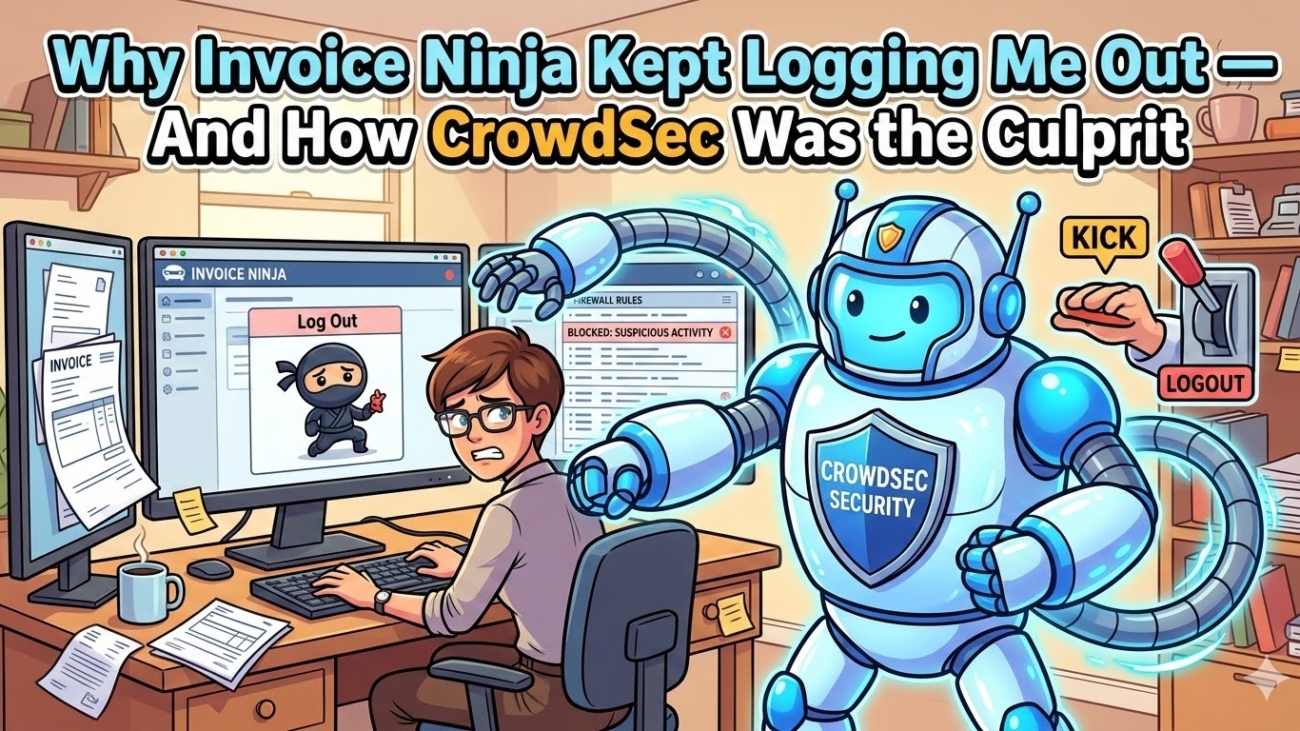
I set up Invoice Ninja for my business invoicing needs. After logging in, refreshing the page would immediately kick me back to the login screen. After a deep troubleshooting session, the culprit turned out to be a CrowdSec AppSec rule designed for Langflow AI — misfiring on Invoice Ninja’s /api/v1/refresh endpoint. Here’s exactly how I found it and fixed it
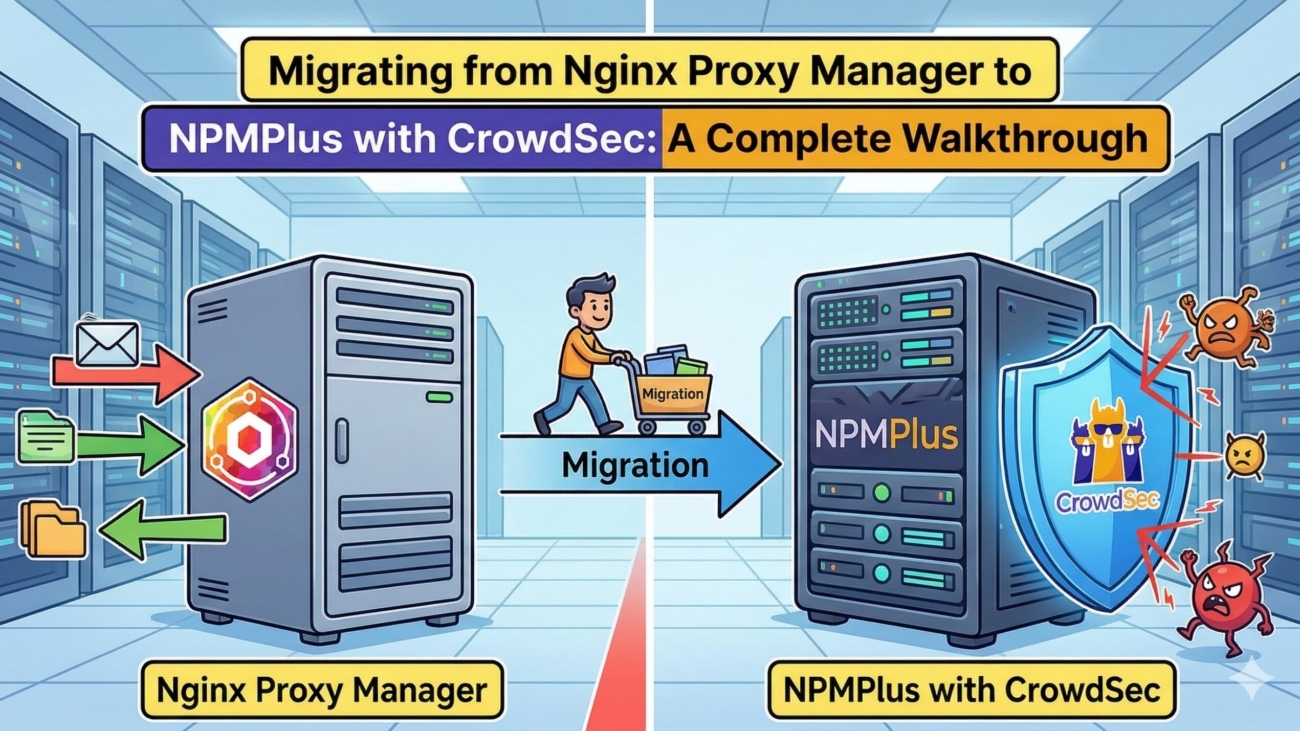
Migrating from Nginx Proxy Manager to NPMPlus with CrowdSec: A Complete Walkthrough
I replaced my standard Nginx Proxy Manager instance with NPMPlus (an enhanced fork) and integrated CrowdSec for automated threat detection and blocking — including Cloudflare Turnstile captcha challenges. The whole stack runs in Docker, managed via Dockge, and sits behind itself as a reverse proxy. Here’s exactly how I did it, including the gotchas I hit along the way
3-2-1 and Then Some: How I Back Up My Entire Home Lab
A comprehensive breakdown of my homelab backup architecture, built around the “3-2-1” principle. The strategy utilizes TrueNAS as the central hub, employing ZFS snapshots for immediate disaster recovery, Rsync to a secondary PC for local hardware redundancy, and Proxmox Backup Server for managing VM/LXC backups. Finally, all critical datasets and backups are automatically synced offsite to Storj, ensuring the entire network is well protected against failure
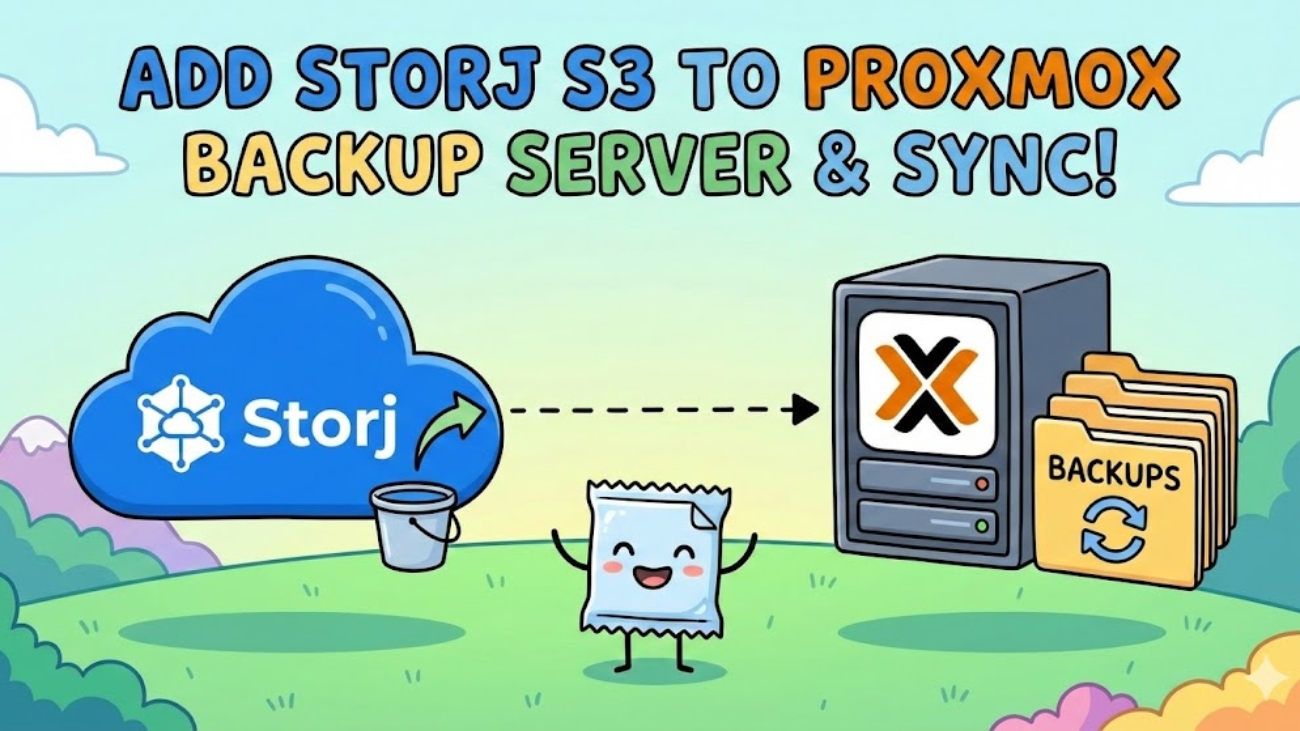
Your Backups Need a Backup: Syncing PBS to Storj for Offsite Peace of Mind
A guide to implementing offsite homelab backups by syncing a local Proxmox Backup Server (PBS) directly to Storj’s decentralized S3-compatible cloud storage. Taking advantage of PBS’s native S3 support and Storj’s free egress, the author explains how to configure S3 endpoints with path-style access, create a remote datastore, and set up a pull-based sync job to automatically upload deduplicated and doubly-encrypted backups every night.
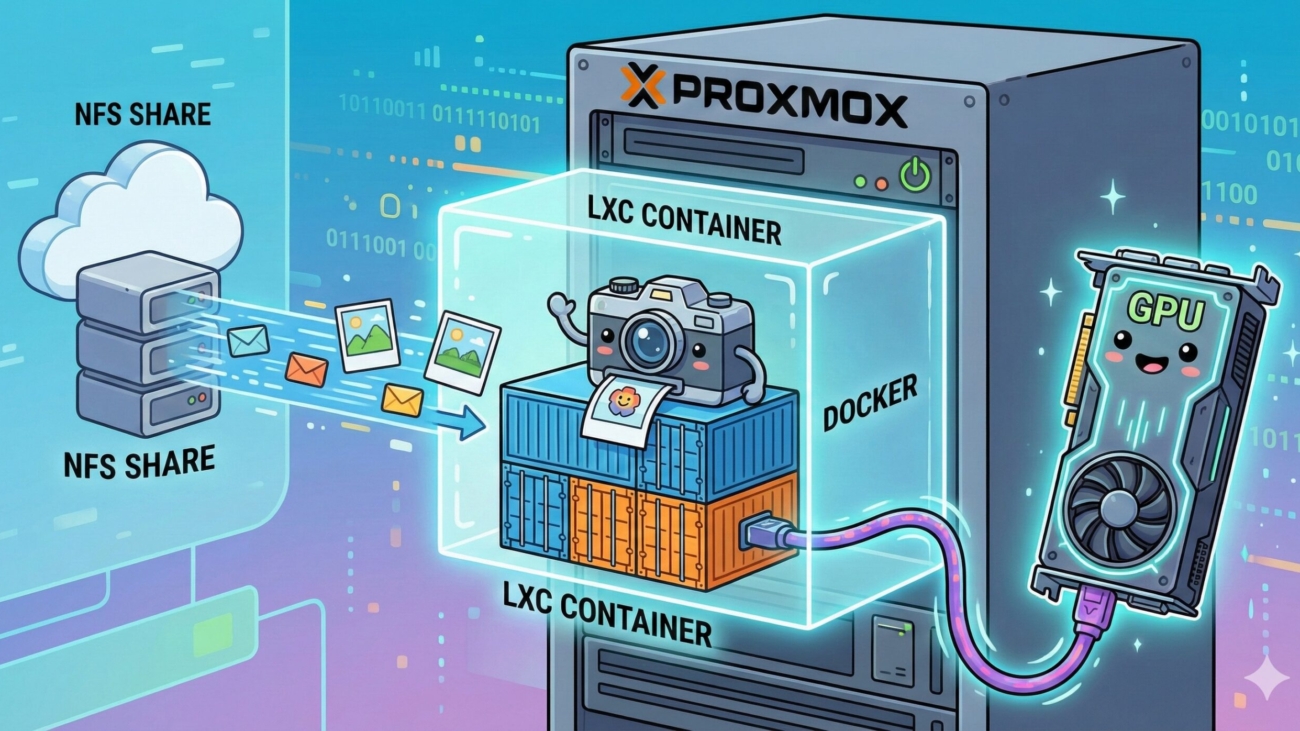
Supercharge Your Photo Library: Hosting Immich on Proxmox LXC with TrueNAS & NVIDIA
A technical walkthrough on self-hosting the Immich photo library inside a lightweight, unprivileged Proxmox LXC container. It covers securely mapping a TrueNAS NFS share to bypass unprivileged LXC permission errors, passing through an NVIDIA GPU (GTX 1080ti) to the container, and using Dockge for deployment. The result is a highly secure, hardware-accelerated photo backup system with blazing-fast video transcoding and AI facial recognition.
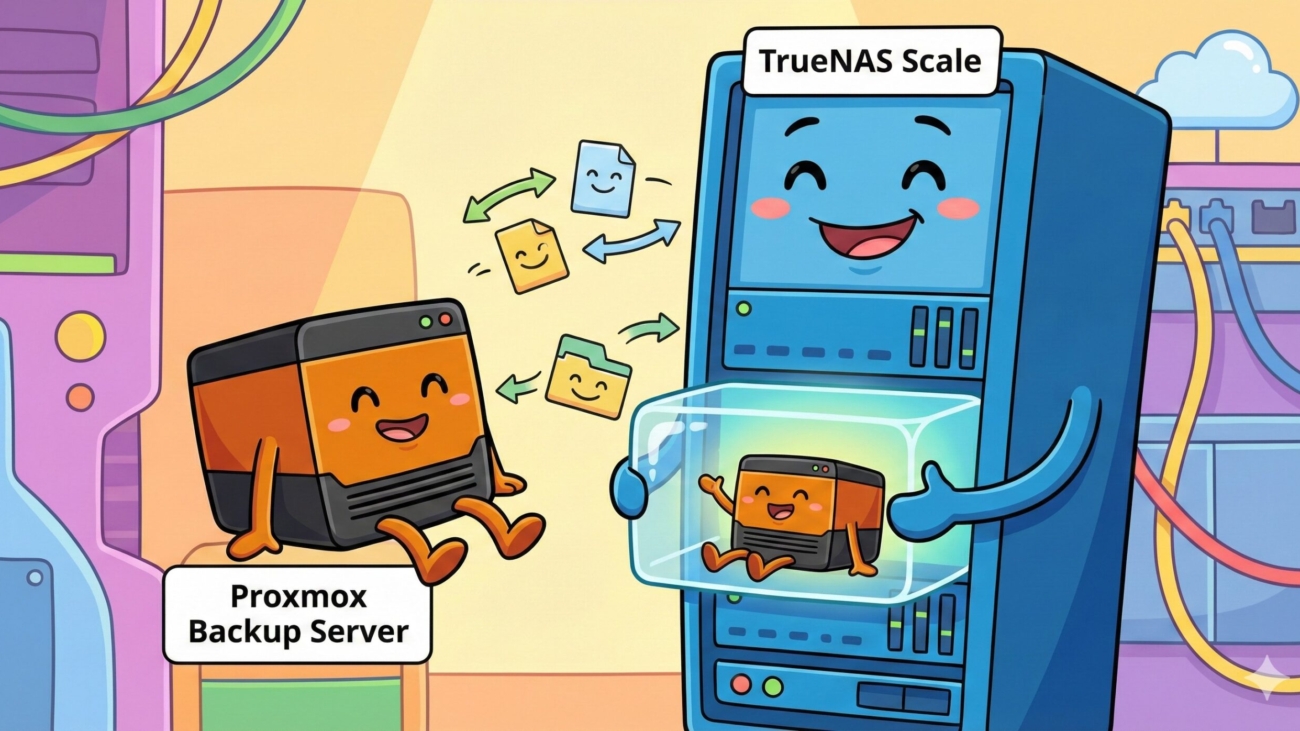
From Wasted Space to Unified Storage
How to repurpose an underutilized bare-metal backup machine into a TrueNAS Scale NAS to create unified, shared storage. To keep backup capabilities without virtualization overhead, Proxmox Backup Server (PBS) is hosted natively on top of TrueNAS inside a lightweight Debian 12 container. The guide explains dataset mapping, bridge networking, and installation steps to create a highly efficient, low-resource backup and storage solution.
In the homelab world, it’s easy to fall into the trap of over-provisioning hardware for a single task. Until recently, I had a dedicated bare-metal machine running Proxmox Backup Server (PBS). It had 2TB of usable storage, but my actual Proxmox VE backups only totaled around 350GB.
Leaving all that unused space locked strictly to backups felt like a massive waste. At the same time, I didn’t have a dedicated NAS appliance on my network. I really needed a centralized place for shared storage—dropping family photos, storing videos, and keeping all my Batocera save files synced up.
The solution? Nuke the bare-metal PBS installation, turn the hardware into a TrueNAS Scale appliance, and run Proxmox Backup Server on top of TrueNAS inside a lightweight Linux container. Here is a detailed look at how I pulled it off.
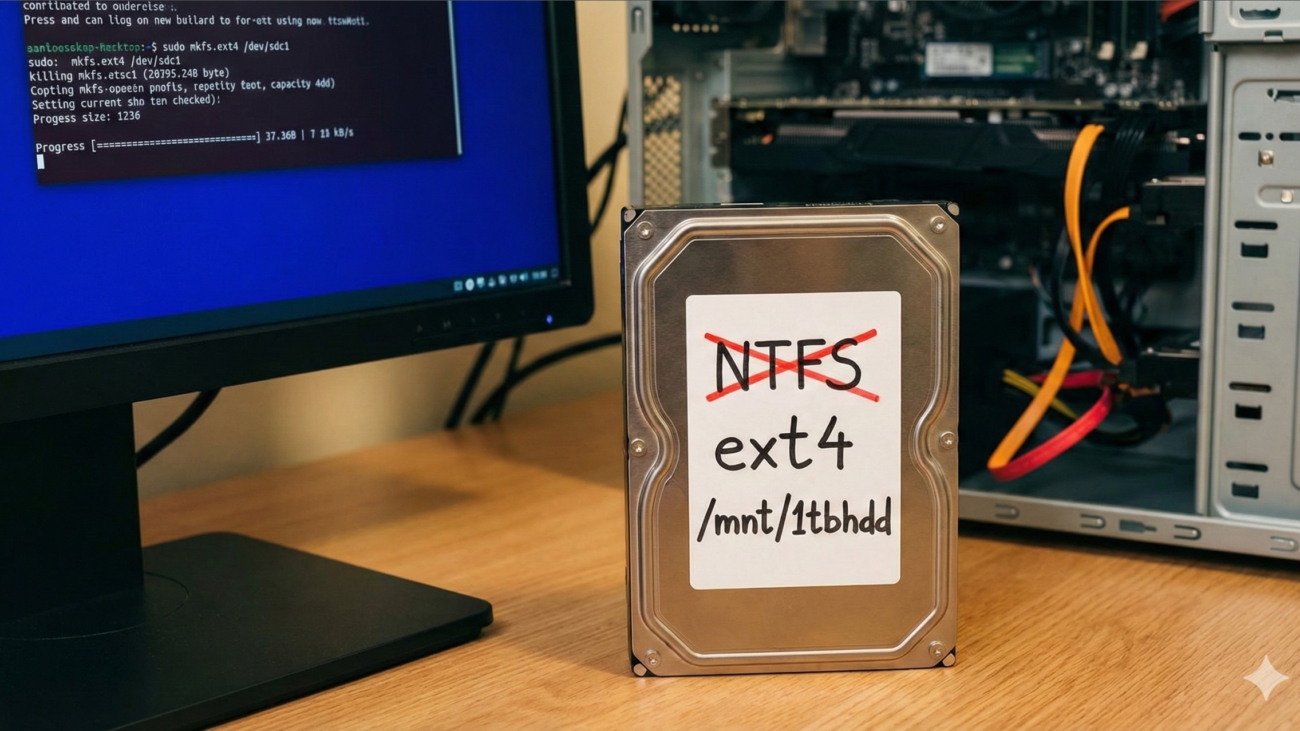
Converting an Old NTFS Drive to ext4 on Arch Linux (The “Nuke and Pave” Method)
A practical, step-by-step guide on wiping a Windows NTFS hard drive and preparing it for native Arch Linux use. The post walks you through using cfdisk to recreate the partition table, forcing a format with mkfs.ext4 to overwrite stubborn NTFS signatures, configuring auto-mounting via /etc/fstab, and resolving the common ext4 root-ownership permission block so that the drive is fully usable by your user account
Switching from Windows 11 to CachyOS Linux
After growing tired of Microsoft’s aggressive pop-ups and forced features, the author shares their experience migrating their primary AMD gaming rig (Ryzen 7 7700X, Radeon 7900 GRE) from Windows 11 to CachyOS, an Arch-based Linux distribution known for speed and performance. The post details the smooth gaming experience (easily hitting 165 FPS in EVE Online out of the box), adapting to KDE Plasma and package managers like Flatpak, and a clever workaround using a Proxmox-hosted Windows 10 VM via Remmina for their daily work needs. Ultimately, the author highly recommends the switch for enthusiasts looking to take back control of their hardware.
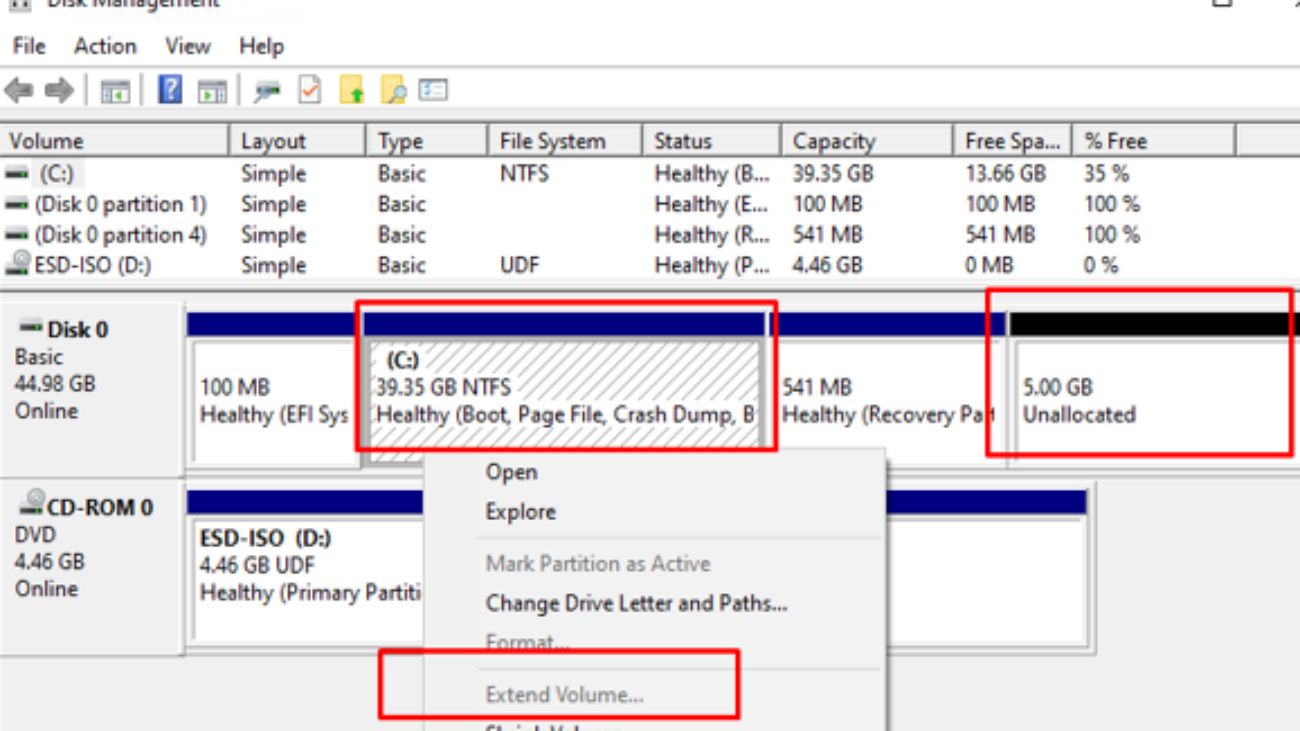
How to Extend Your C: Drive by Managing the Recovery Partition
A practical guide on how to extend a Windows C: drive when a stubborn Recovery Partition is blocking the adjacent unallocated space. The post walks you through safely using the diskpart command-line utility to delete the obstructing partition, extending the C: drive using Windows Disk Management, and optionally (but highly recommended) shrinking a small portion of the C: drive again to create and properly configure a brand-new Windows Recovery Environment (WinRE) partition.